

Four questions, clear criteria, and a comparison table to help you choose between a website, web app, mobile app, business system, or platform, plus what to prepare before asking for a quote.
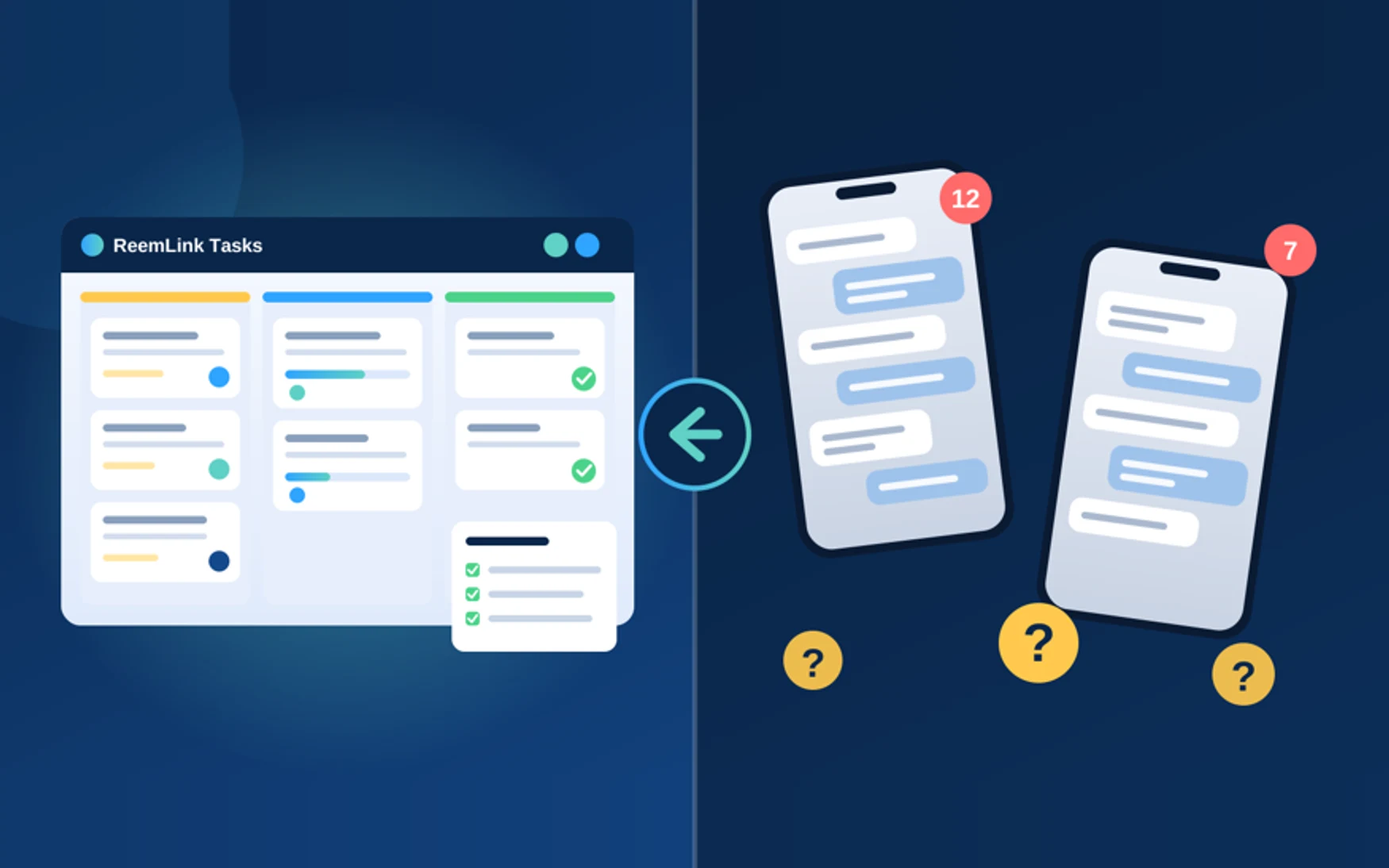
Most companies don't need a website, an app, and a system all at once. If the goal is for customers to understand who you are, what you offer, and how to reach you, a website is enough. If a customer or employee carries out a recurring task in the browser, you need a web app. If that task lives on the customer's phone, a mobile app is the right tool. And if your company runs on inventory, invoices, appointments, permissions, and reports, a business system comes first. A platform makes sense when more than one party shares the same process: a customer, an employee, a partner, or management.
At ReemLink we start from that process before any technology, so the budget goes to the tool people use every day.
Four Questions That Settle the Choice
- 1Who uses the solution every day: the customer, the employee, or both?
- 2Which recurring process is slowing the work down?
- 3Where does it happen: when people search for the company, in the browser, or on the phone?
- 4What has to be saved and reviewed later: an order, an invoice, stock, an appointment, or a permission?
Use for introduction and contact means a website. Daily use to carry out a task means a web or mobile app, depending on where that task happens. And if the root of the problem is what gets saved and tracked inside the company, a business system is where to start.
The Website
A website introduces the company, presents the service, builds trust, and receives inquiries. It is enough when the service can be understood without a user account and the deal is closed through human contact. That's the case for professional offices, consultancies, and brands that want clear initial requests.
A website alone becomes too narrow when the team answers the same question every day: Is the slot available? Is the item in stock? Where is the order? At that point you need a tool that runs the process. The website still stays alongside that tool, because it's where people find you before they sign up or download anything.
The Web App
A web app opens in the browser to get work done: a booking, an order, tracking a file, an employee dashboard, or a customer portal. Users have accounts, data is saved, and the task is completed on screen.
It's the right choice when the team works on computers, when there's more than one role, and when you want access from any device without installing anything. Updates reach everyone the moment they ship. Many business systems today are web apps, because a wide screen suits tables, approvals, and reports.
The Mobile App
A mobile app is installed on the phone. Its value is in repeated use away from the office, in notifications that ask for an action, and in anything that relies on the camera or location.
If that usage is still a guess, start with a web app that works smoothly on the phone, then move the part people actually come back to into the app stores. Building natively for each platform suits products that depend on the device experience itself. Cross-platform development suits shared features when reaching both platforms is the priority.
The website stays next to the app. The app is for repeated use; the website is for search, explanation, and sharing a link.
The Business System
A business system keeps operations under control from the inside: sales, inventory, invoices, approvals, and reports. The need shows up when the same data lives in several files, approvals get lost in chats, and a report takes days to put together.
Four elements are enough for the first phase: clear permissions, one cycle from the start of a process to its close, a log you can go back to, and a report generated from the operational data itself. A custom system suits a way of working that differs from ready-made templates at an essential point, such as special pricing or your own approval chain. If the process is close to a mature off-the-shelf product, extensive customization can wait until this core settles.
The Digital Platform
A platform is the right fit when more than one party comes together on the product. Design here covers who sees what, how each party's data is isolated, and how a new service is added without rebuilding. A small team's tool stays the core in the first phase, and the platform grows once that core is in daily use.
Where Should You Start?
If more than one description applies, start with the process that costs time or money every week.
The price follows the number of roles, the number of processes in the first phase, integration with payments or an existing system, the interface language, and post-launch support. A serious proposal separates what is delivered now from what is deferred.
Before you ask, prepare a short description: how the process runs today, who will use the first phase, one success criterion, which files or systems already exist, and what can be postponed. That brief is enough to pick the tool and set a scope you can commit to.
Three Short Answers
Does a mobile app replace the website?
The app is for repeated use on the phone; the website is for search, explanation, and sharing a link. Anyone who reaches you through search needs the website, even if they have the app.
Should I start with a website and turn it into a system?
Start with the website when the need is introduction and contact. When a daily process appears, the tool is built alongside it. The website remains your public presence, and the system is delivered with its own measurable scope.
Does AI belong in the first phase?
It helps when the steps and data are clear, such as searching company documents or classifying requests. If the process itself isn't stable yet, getting it in order comes before any AI model.
The Bottom Line
A website for introduction, trust, and contact. A web app for daily work in the browser. A mobile app for repeated use on the phone. A business system for controlling internal operations. And a platform when more than one party works on the same product.
Share your project vision with the ReemLink team, and after studying the details we'll send back an execution plan within 24 hours: what gets built first, what waits, and how it all becomes a working product.